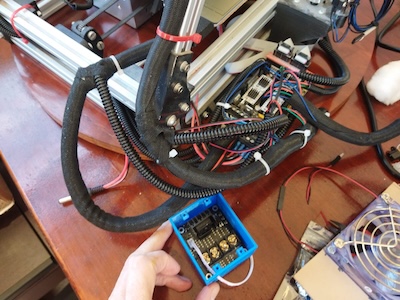
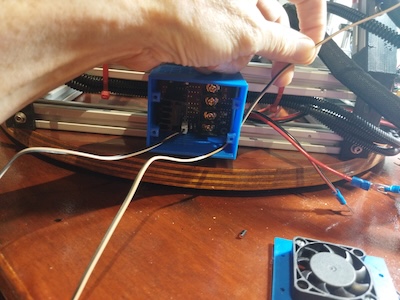
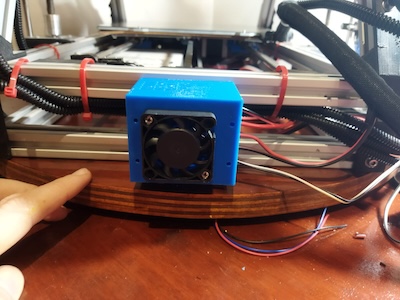
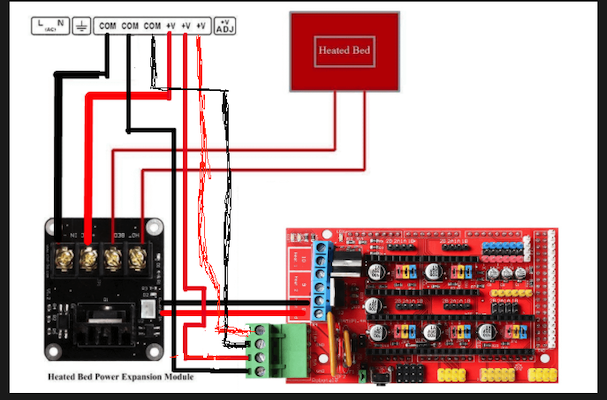
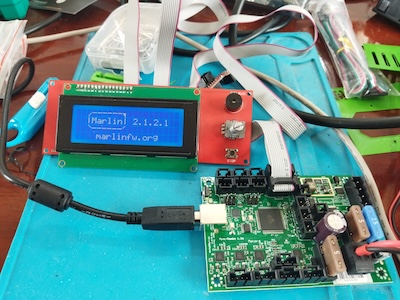
This is a continuation of the effort to use an external mosfet board with the MendelFlex. I had been able to install Marlin 2.1.2.1 on the Mini Rambo 1.3 while trying a few things that I gathered from my researching on the internet.
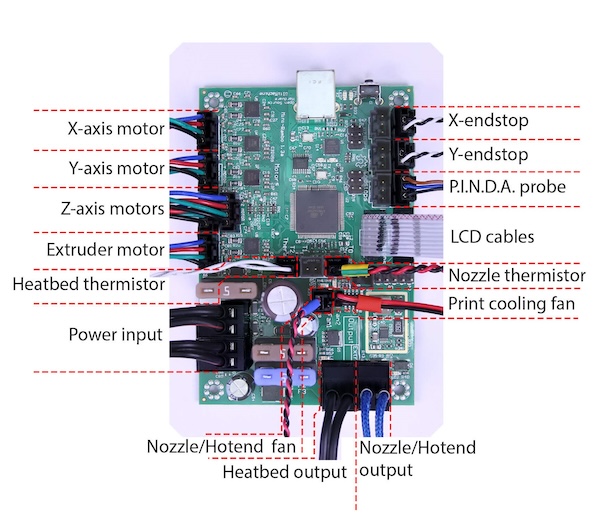
Here is a picture of the connections on the Mini Rambo. A good source for 3D printer information is reprap.org and this is where I got this picture from. The link of the page is reprap.org/wiki/Rambo.
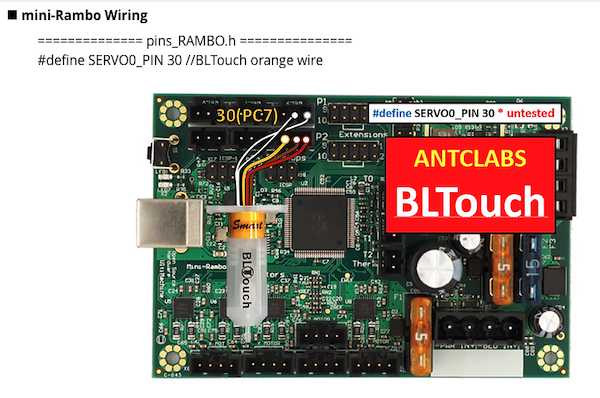
 While the picture above show the use of a PINDA probe, the MendelFlex is using a BLTouch probe. Here is how it should be connected.
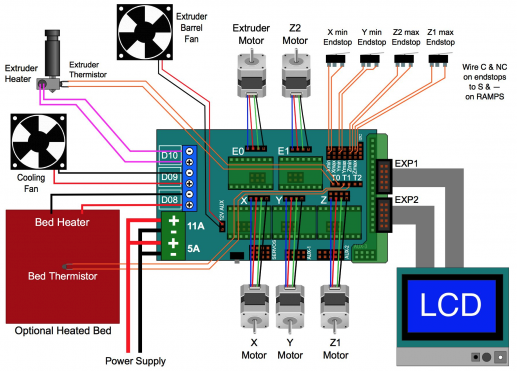
For reference here is a picture of the connections on the Ramps 1.4 controller
Now it’s time to start the swapping out of the controller boards.
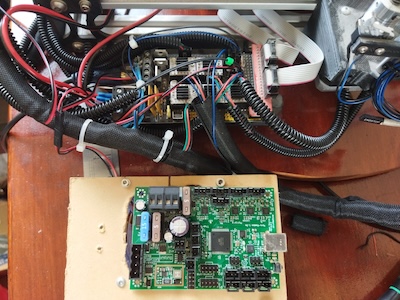
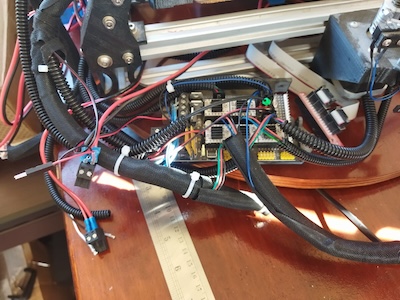
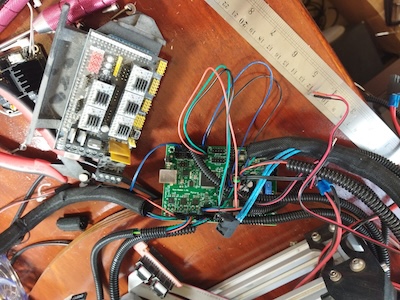
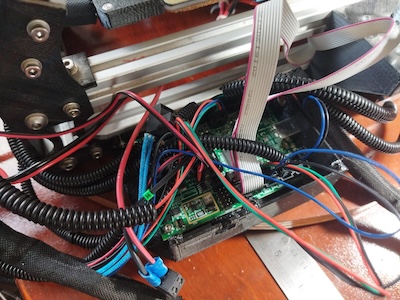
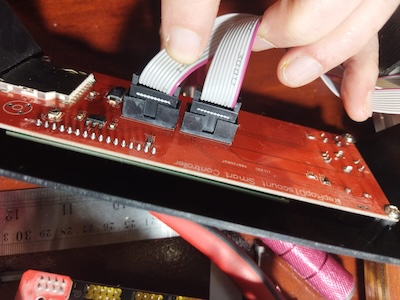
After I finished changing the controller, I installed all the wiring while making sure the connections were correct. I added power to the Mini Rambo and turned it on. The LCD did not turn on and show the boot up sequence. I disconnecting all the connectors while leaving the power and the LCD screen connected. Still nothing happened. I removed the Mini Rambo and took it over to the test area. I had an LCD screen there which I had previously used with success on the Mini Rambo. I plugged in the LCD screen, turned on the power and the LCD showed the boot up sequence. I went back to the MendelFlex and I connected the Ramps 1.4 board to the LCD screen. After I connected the power, I turned the MendelFlex on, and the LCD screen displayed the boot up sequence. As this point I removed the LCD case from the MendelFlex and looked at the LCD board. After looking at board, I knew what the problem was. It was a matter of poor quality control. The connectors were installed backwards. It had been such a long time that I forgot about the backwards connectors on the LCD setup on the MendelFlex.
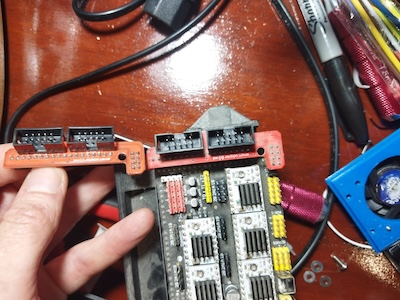
The ribbon cable connectors on the LCD adapter card that the Ramps 1.4 used, were backwards as well. So the two backwards connector sets worked with each other, but not any correctly installed connectors. In this picture, the adapter board on the left has the connectors installed correctly, while the adapter board on the right does not.
I went ahead and cut some plastic off both of the connectors of the LCD screen so I could plug in the ribbon cables to the correct pins.
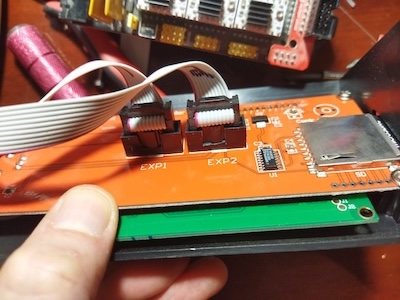
After that I turned on the MendelFlex and the LCD finally showed the boot up sequence.
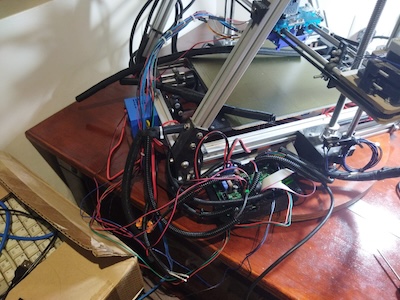
I went ahead and hooked up the wiring. I did a few movement tests. I moved the X axis, Y axis, and Z axis successfully. When I continue I will do further testing.