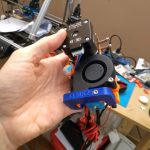
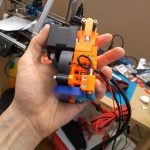
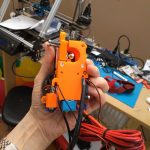
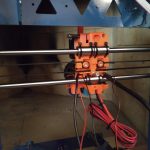
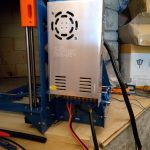
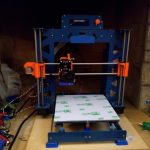
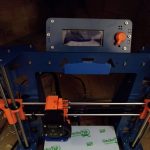
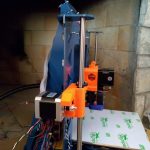
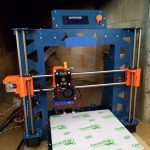
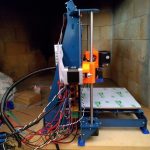
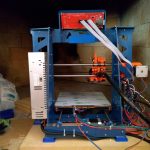
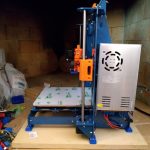
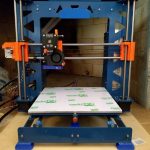
Over a period of time from July 2018 to February 2019, I put together a 3d printer. It is a P3Steel design that mostly comes from Thingiverse thing 157303 by irobri. This design was based on the work by twelvepros. If you are interested in the designers, then you can look them up at Thingiverse. I made a few tweaks to the design using DraftSight, which is a 2D CAD Drafting and 3D Design Software program by Dassault Systems. I incorporated the lcd holder from another variant into my build. This is basically a version 2.0 of the P3Steel.
The frame is made of 3mm steel and was laser cut by a local company. The other parts that I used for the build came from various places. These places include Prusa Research, Banggood, E3D, and GeckoTek. The bolts that hold the frame together came from Albany County Fasteners’ online store. There were also a few printed parts (like the feet and carry handle) that came from other Thingiverse designers. The orange printed parts came from Prusa Research.
I put it together for a friend who will need to fine tune it. I got everything working mechanically, but they will have to do all of the final adjustments for printing. I helped jumpstart his 3d printing effort.
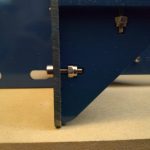
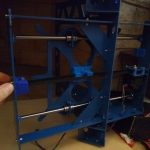
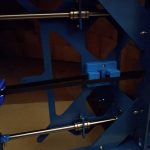
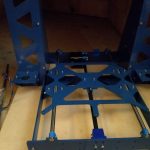
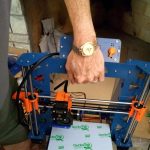
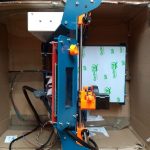
Here are photos that I took over that time period.