
The OVM20 I ordered from Tindie finally arrived. Time to replace the old electronic setup with the new board.
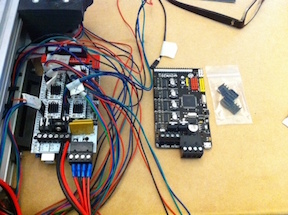

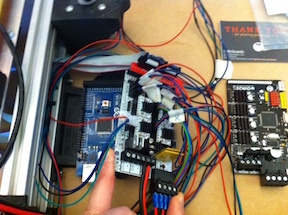
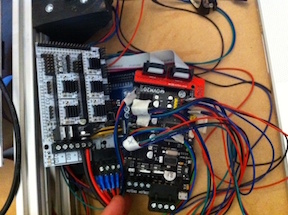
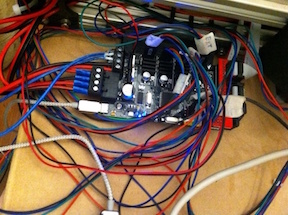
With all the wires it is hard to tell that there is more space there. After wiring up the OVM20, it took some time to upload the sketch to it. The OVM20 uses a micro USB connector, so I had to find a cable to use. I downloaded the latest version of the Arduino IDE plus the latest Marlin firmware. I made my changes to the Configuration.h file and then compiled the Marlin firmware. Once I got a clean compile, I uploaded the firmware to the OVM20.
While running the homing test with printrun, I noticed that the z motors were going in the wrong direction. They were going up instead of going down. I had the z motors plugged in the same direction that I had plugged in the x, y, and extruder motors on the original electronic setup. I unplugged the z connectors and reversed them. That fixed the direction issue. Next I did the movement test where I move x, y, and z to 100. Then I measure how much they moved. When I previously did the movement tests on the old electronics, the x and y were correct, but the z was not. This time all the axis movements were off. Each was only moving half of what they should. I made adjustments in the Marlin setup and uploaded the changes to the OVM20. That issue was fixed. I did a preliminary test on the heat bed. I let the heat bed get to 75C and then I shut it off. I didn’t time how long it took. I quit for the night since it was getting late. I still have to adjust the stepper motors since they are humming a bit with the default settings of the OVM20. I will also do timed heat tests on the hot end and the heat bed. Until next time.